
The lock · 1 of 3
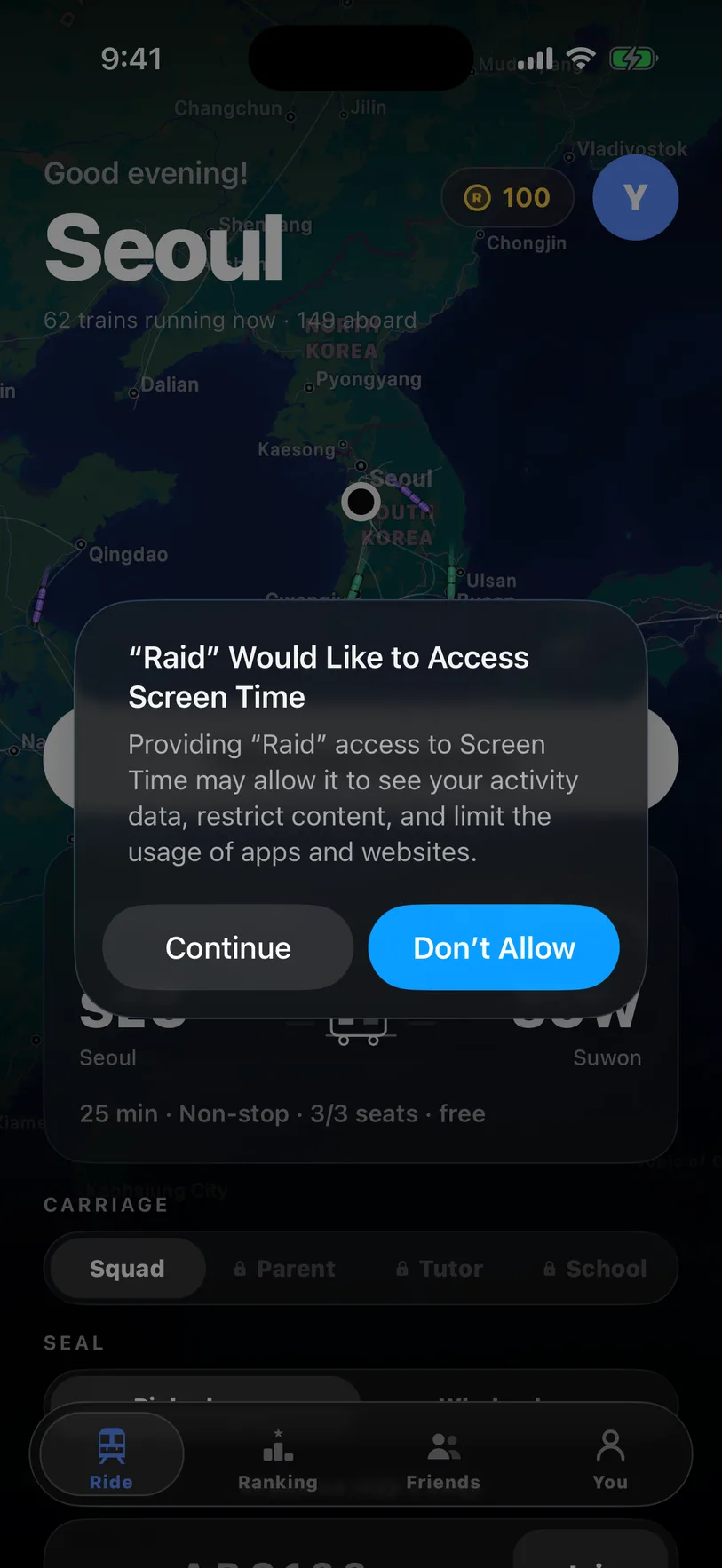
Allow Screen Time.
Raid locks apps with Apple’s Screen Time. The first time you open it, iOS asks. Tap Continue and confirm. You only do this once.
 Guide
Get the app
Guide
Get the app
Rider’s guide
Raid locks your distracting apps with Apple’s Screen Time while you ride. Here’s how.
The lock · 1 of 3
Raid locks apps with Apple’s Screen Time. The first time you open it, iOS asks. Tap Continue and confirm. You only do this once.
2 of 3
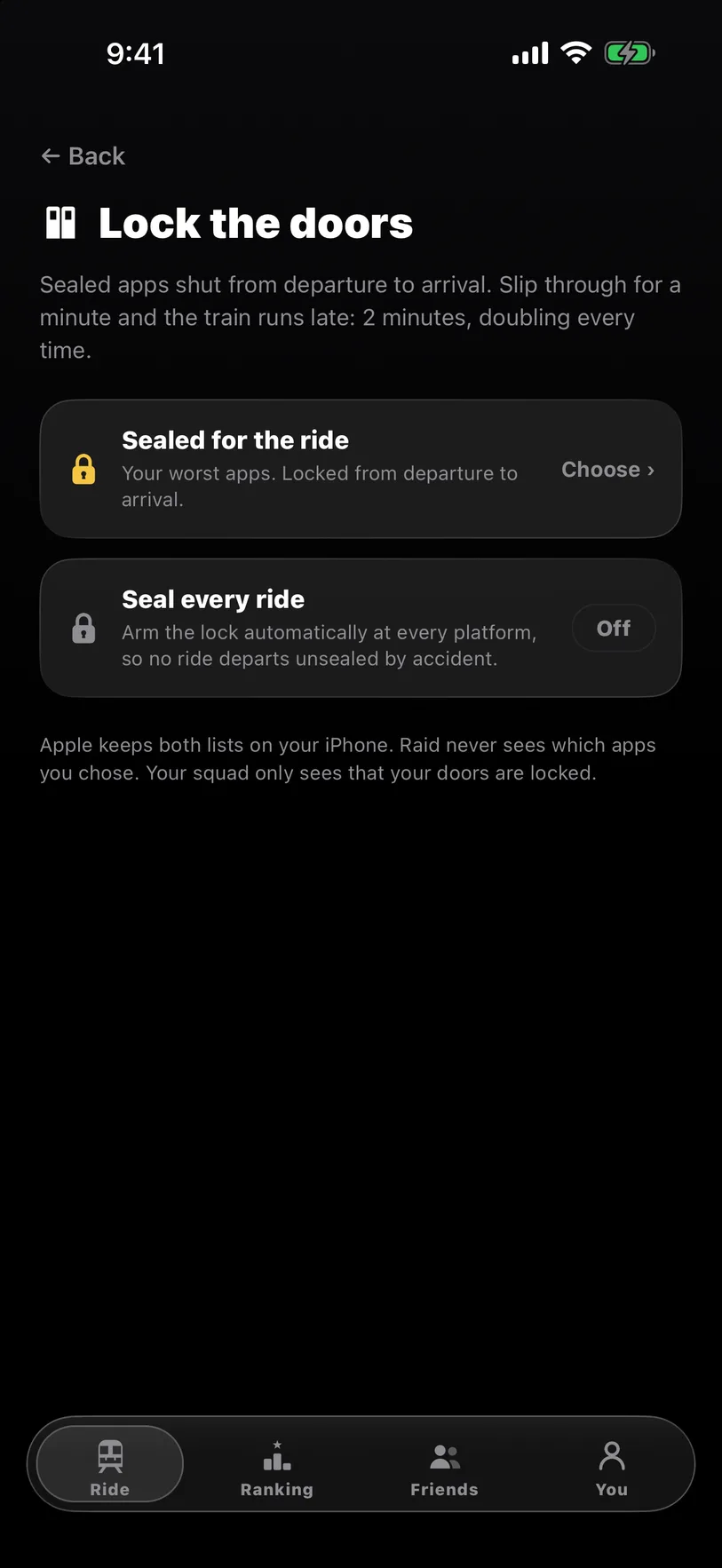
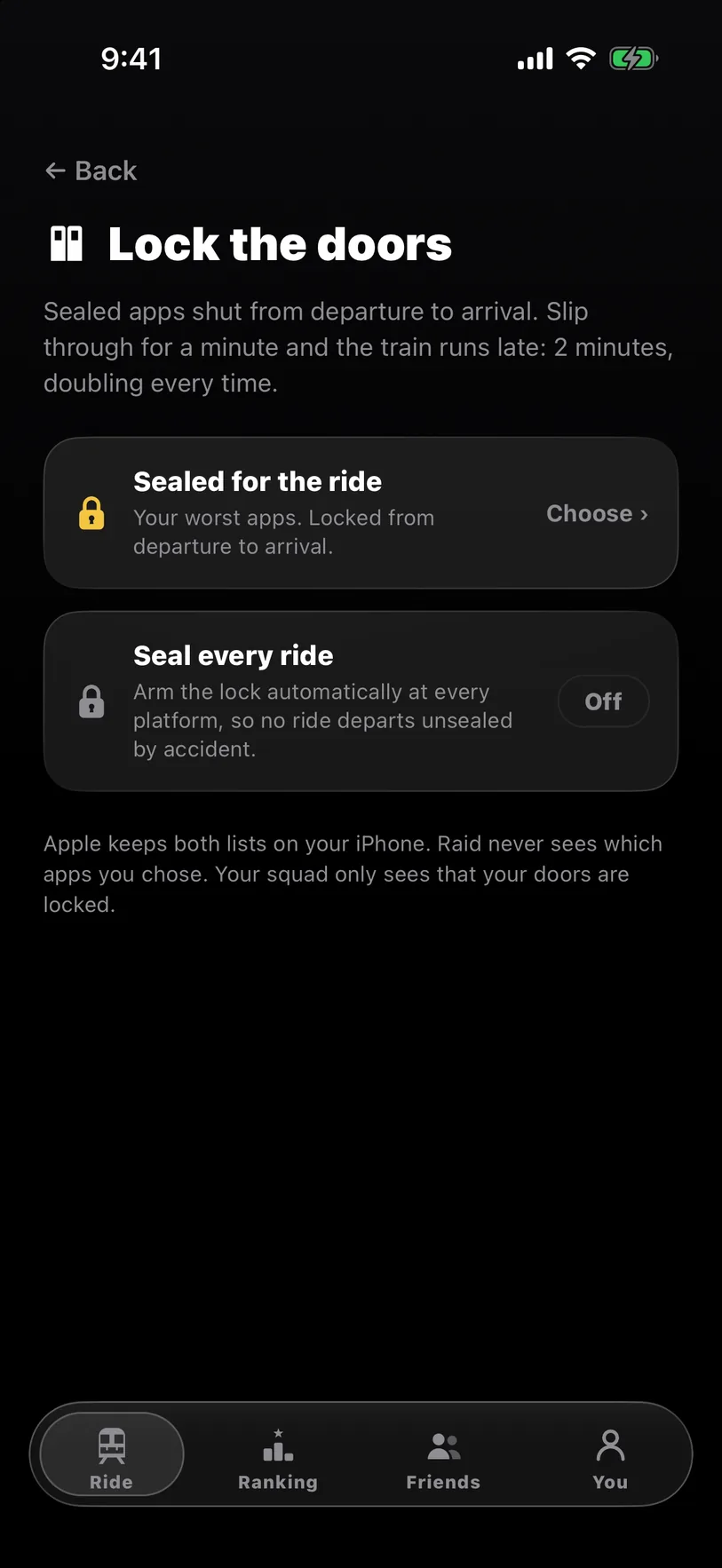
Go to You › Door seals, tap Choose, and tick apps or whole categories. Turn on Seal every ride. Apple keeps the list on your phone; Raid never sees it.
3 of 3
Open one mid-ride and you get Raid’s lock screen instead: Stay aboard, or Slip through for a minute. Everything unlocks the moment you arrive. Want no escape? Pick Whole phone when you plan.
First ride · 1 of 6
Got a code from a friend? Tap Join and skip to step 4.
2 of 6
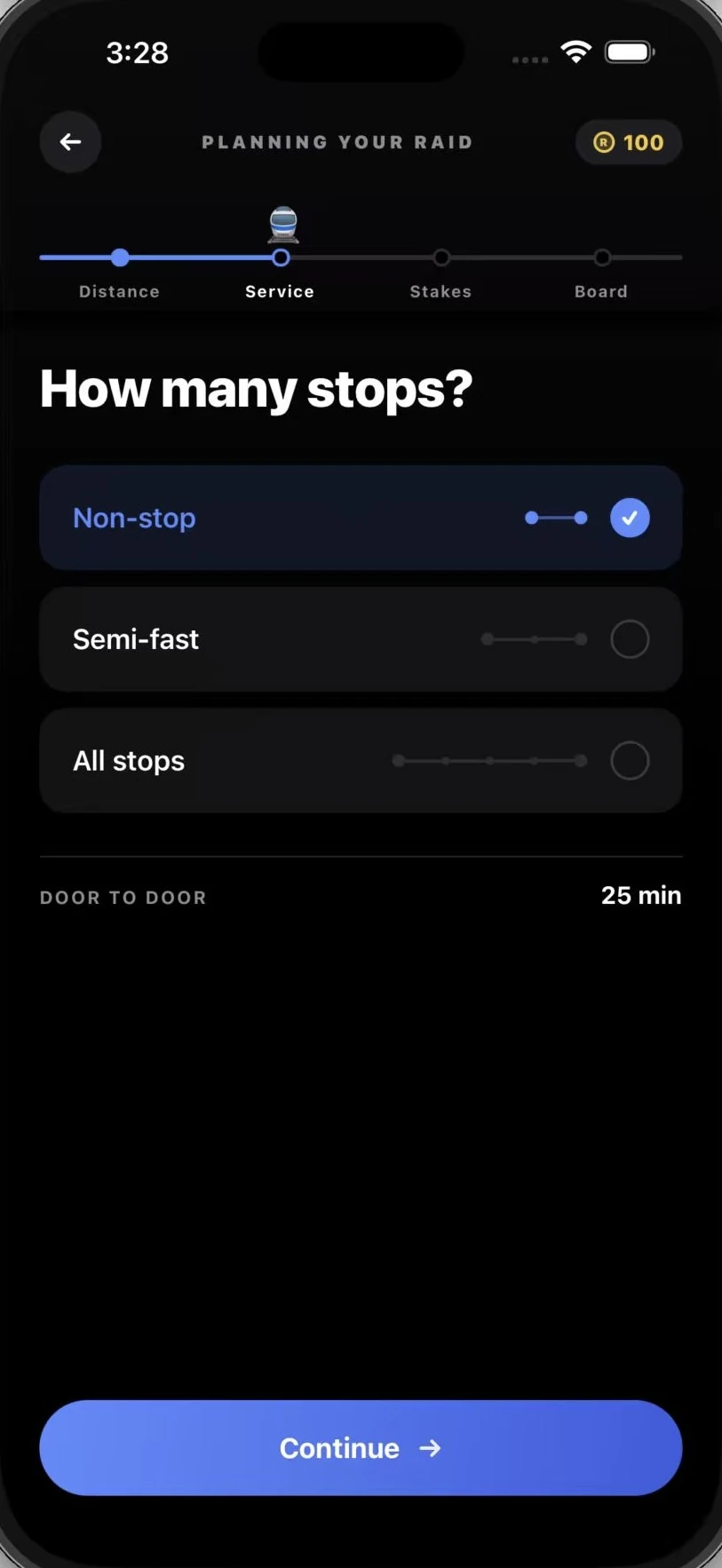
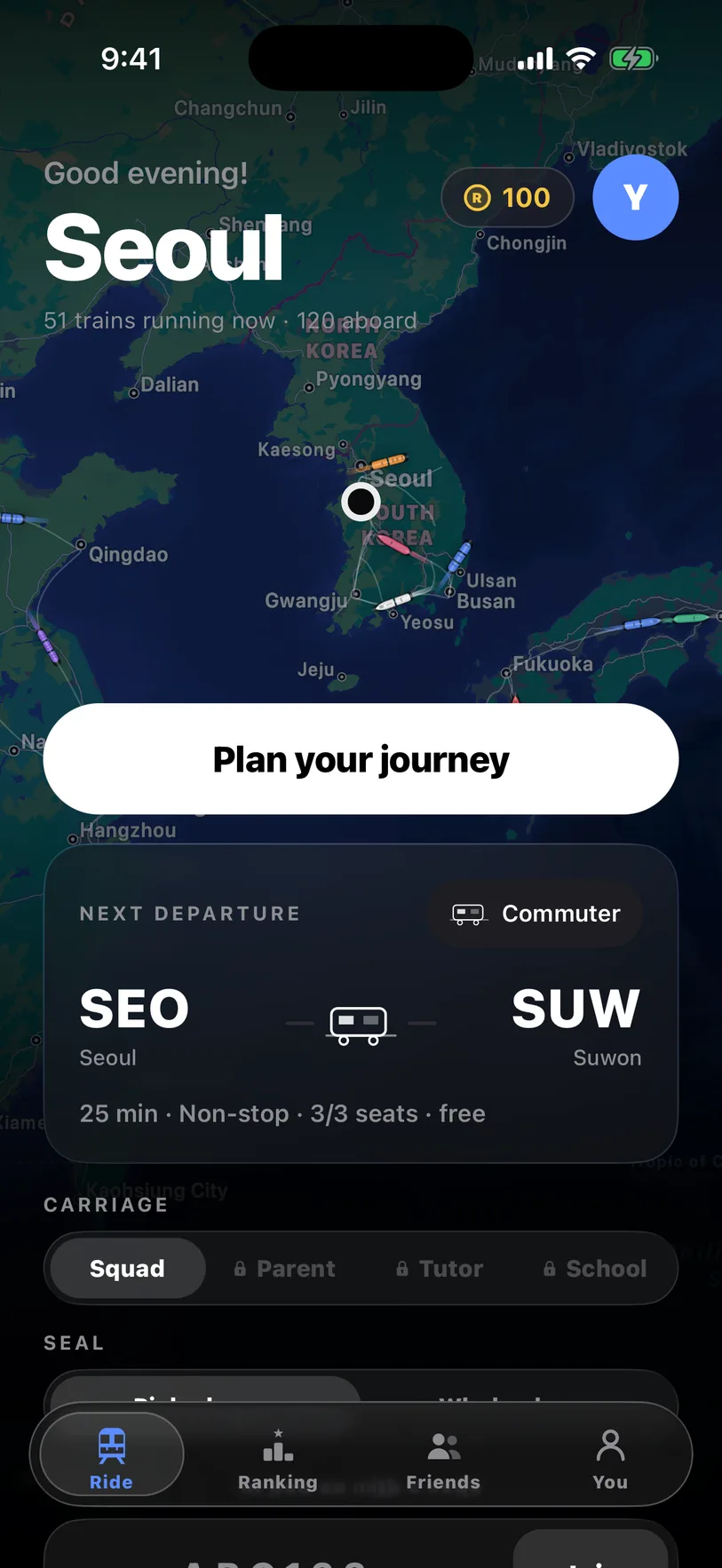
Distance is focus time. Start with 25 minutes.
3 of 6
Rest stops unlock your apps for a few minutes. Non-stop has none.
4 of 6
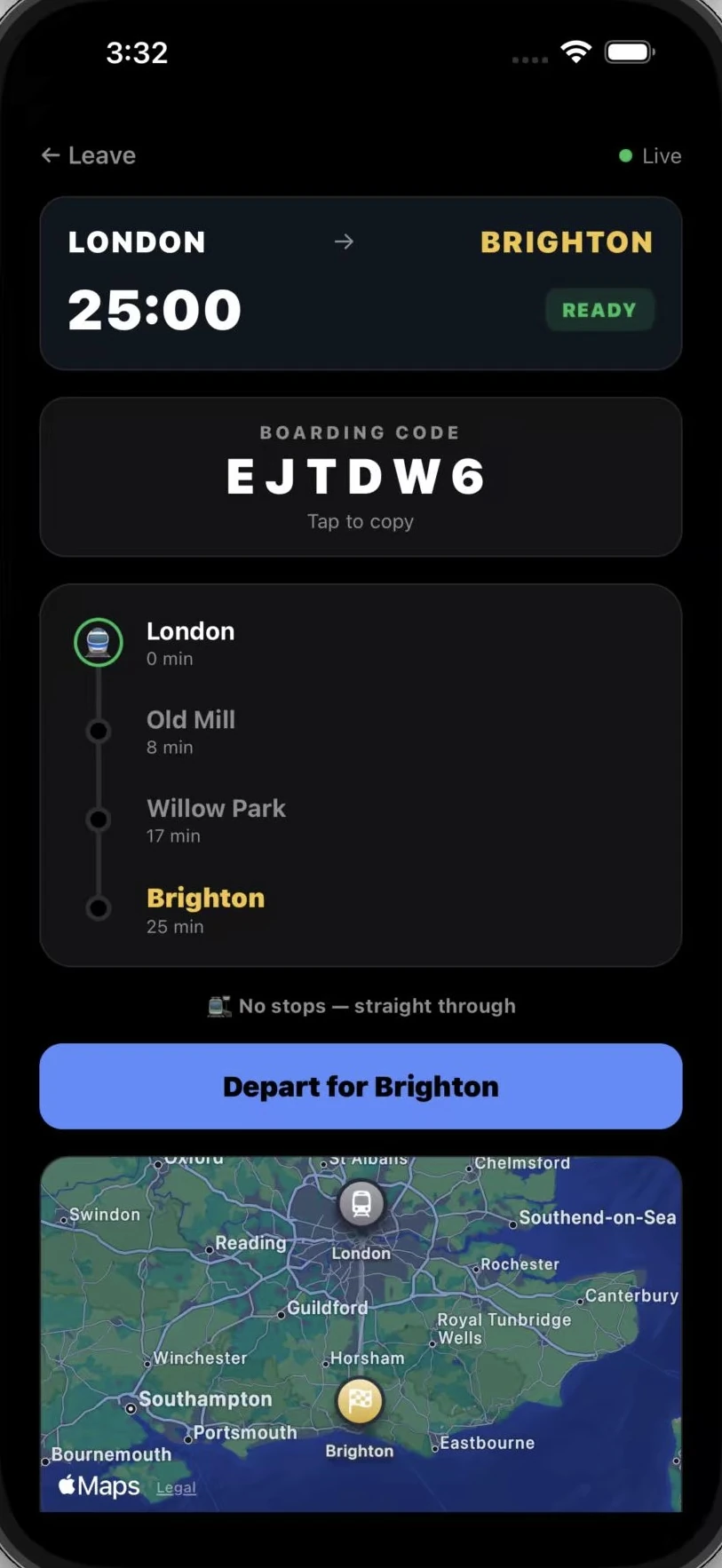
Friends board with it, then everyone leaves together. Solo? Just depart, or stake tokens against the house when you plan.
5 of 6
Your apps stay locked. Slip, and the train runs late for everyone. Need a break? The host can pause the clock for up to 15 minutes; the doors stay locked.
6 of 6
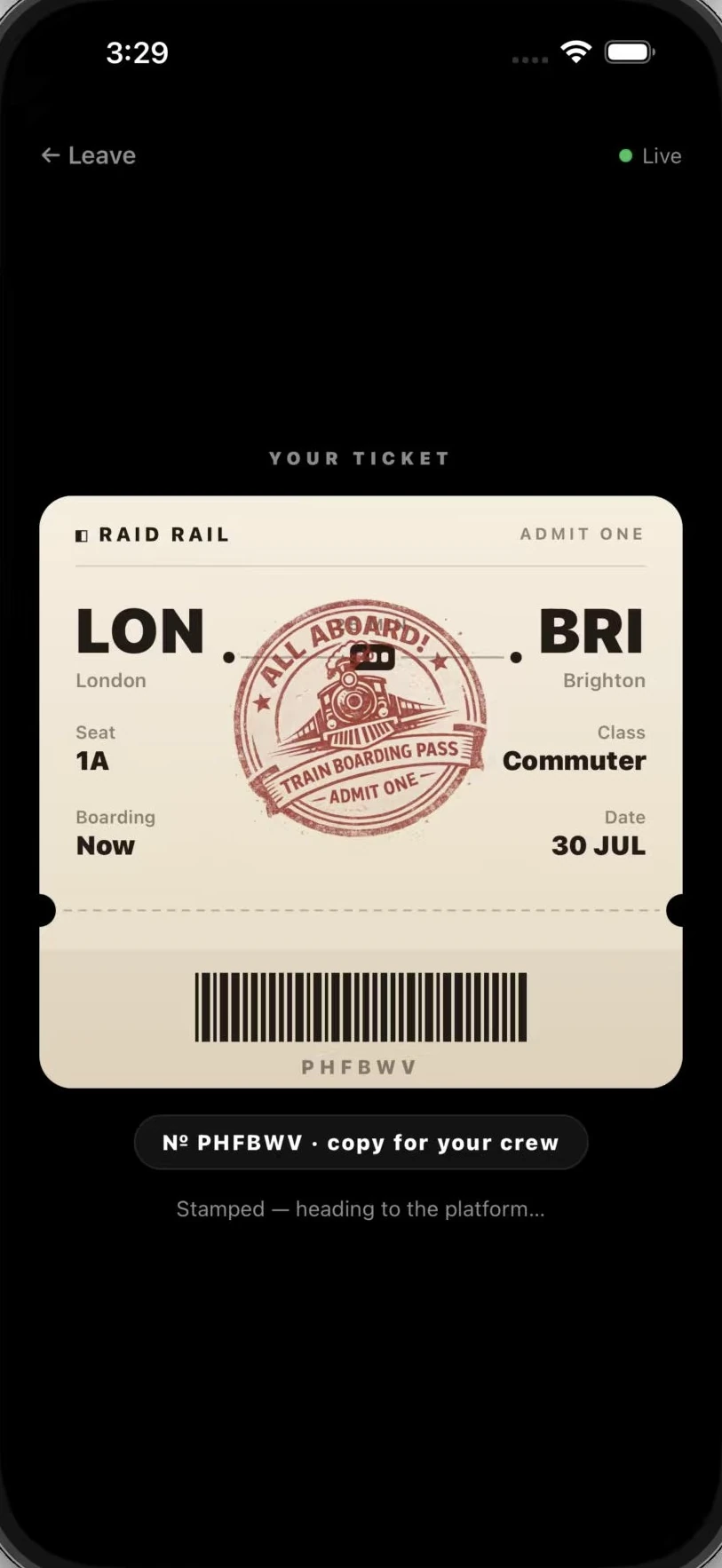
Apps come back, you get a ticket, and your streak grows. Ride 10 sealed minutes or more and a souvenir packet is waiting too.
After you arrive · 1 of 4
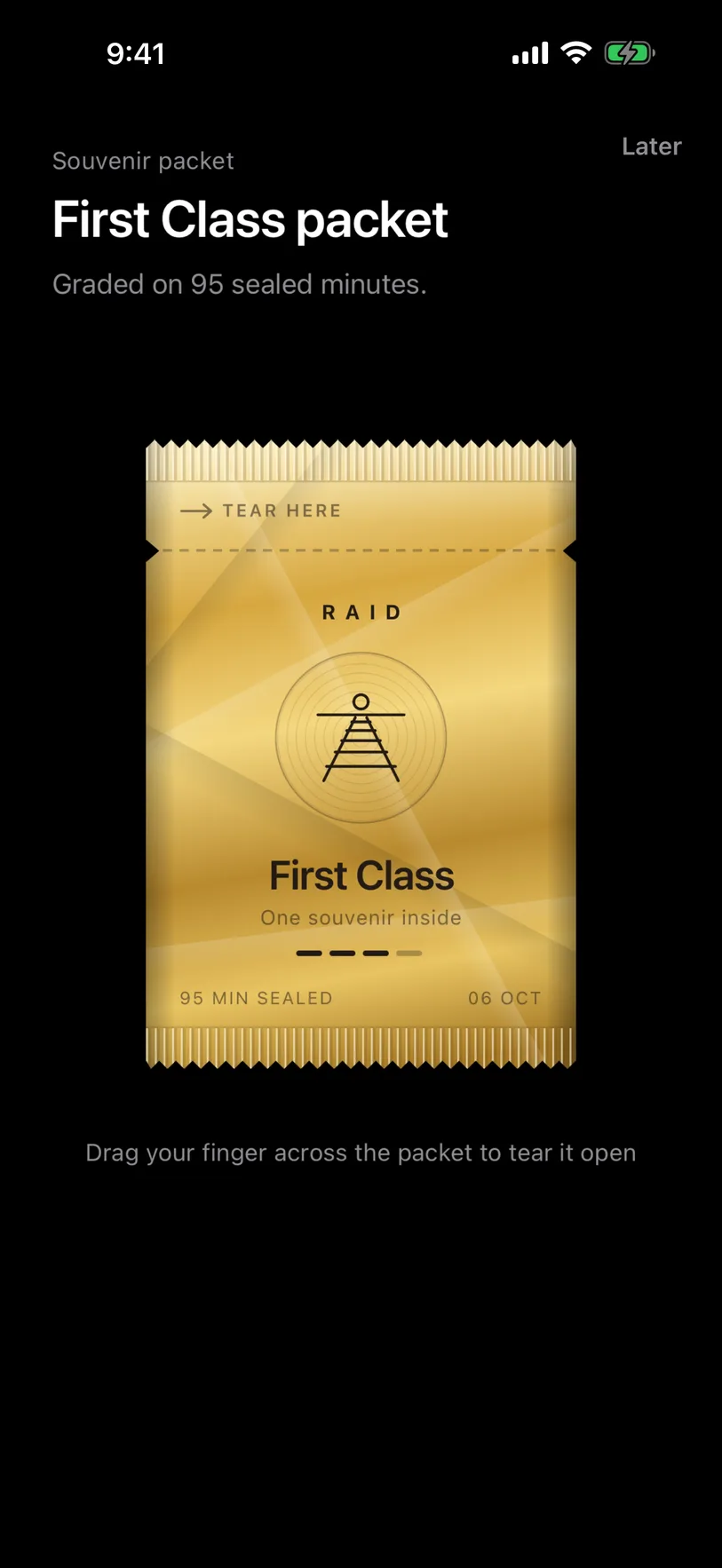
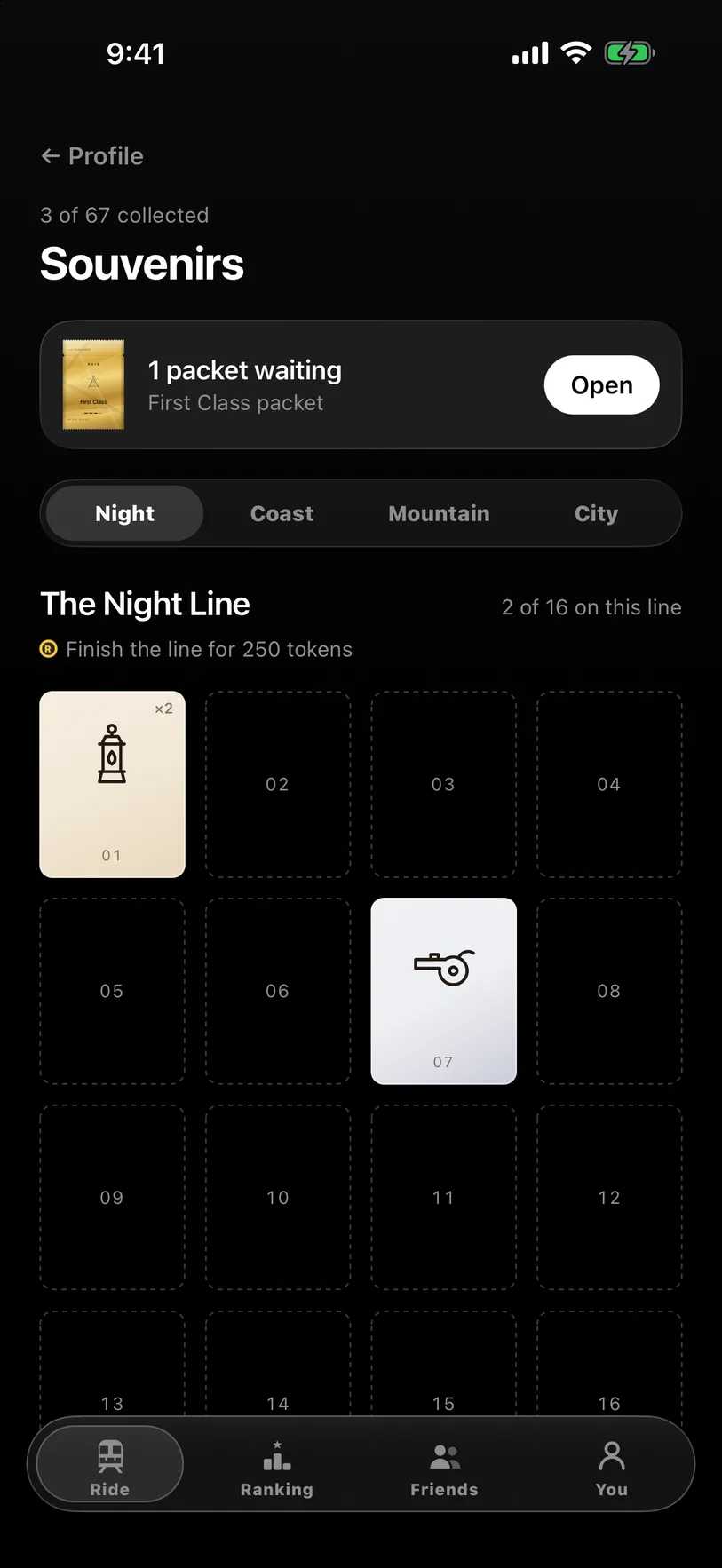
Drag your finger across it to find a souvenir card. The longer your doors stayed locked, the rarer the card. Tap Later and it waits under You › Souvenirs.
2 of 4
67 cards across four lines. Finish a line for 250 tokens, trade in spares, or buy the card you’re missing.
3 of 4
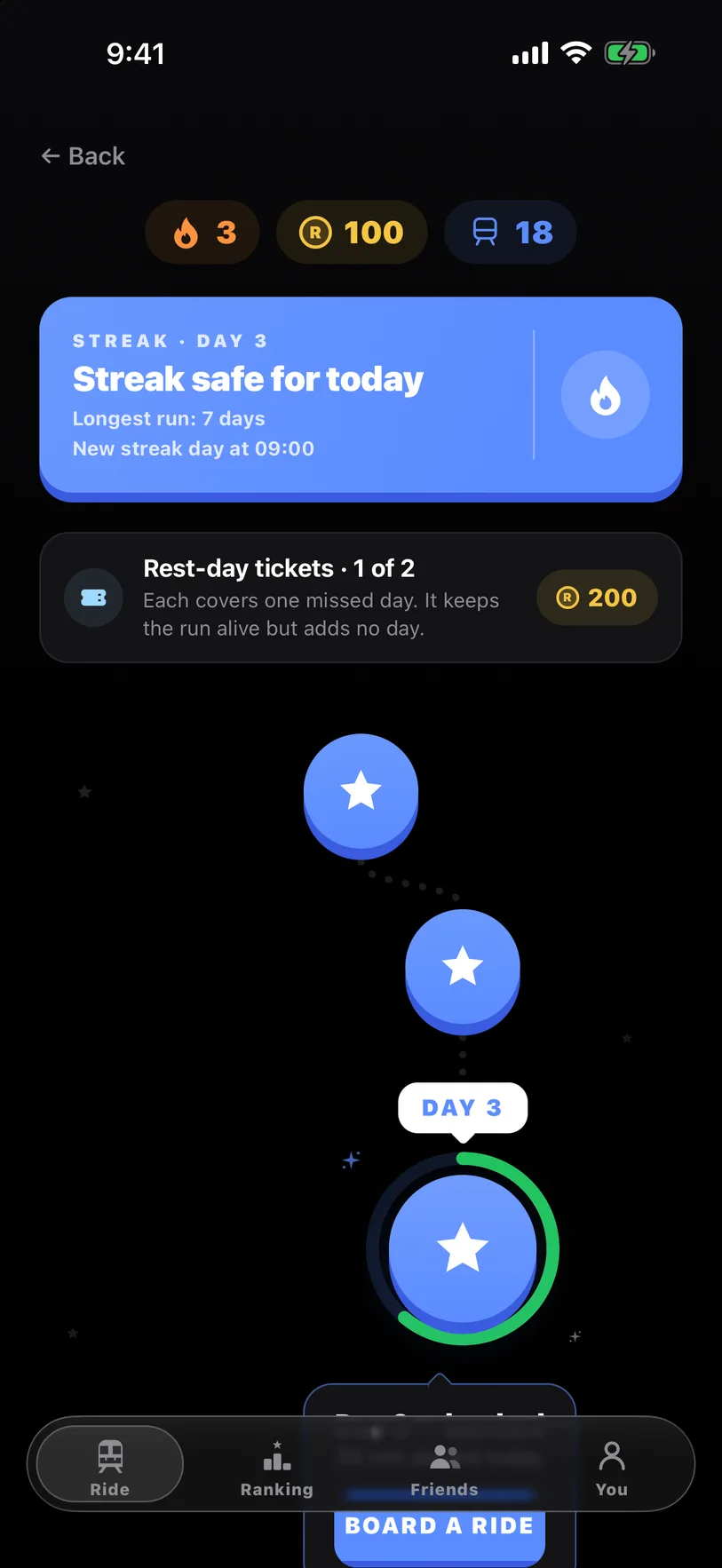
On your streak page, a rest-day ticket (200 tokens, hold two) covers a day you miss. Streaks pay out at 7, 30 and 100 days, and a new paint lands every month.
4 of 4
On the iPad, go to You and turn on Follow my rides. It locks itself whenever you ride on your phone.
Modes
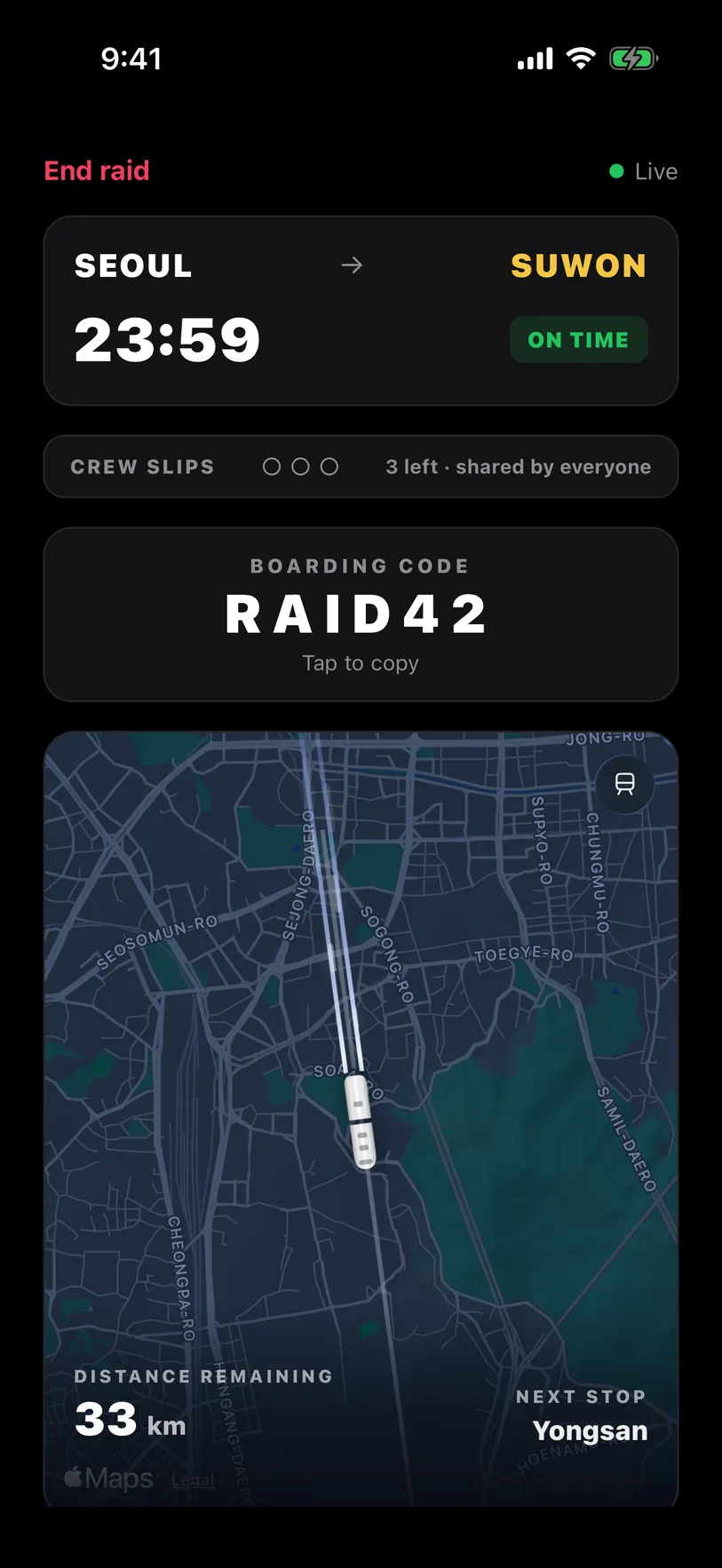
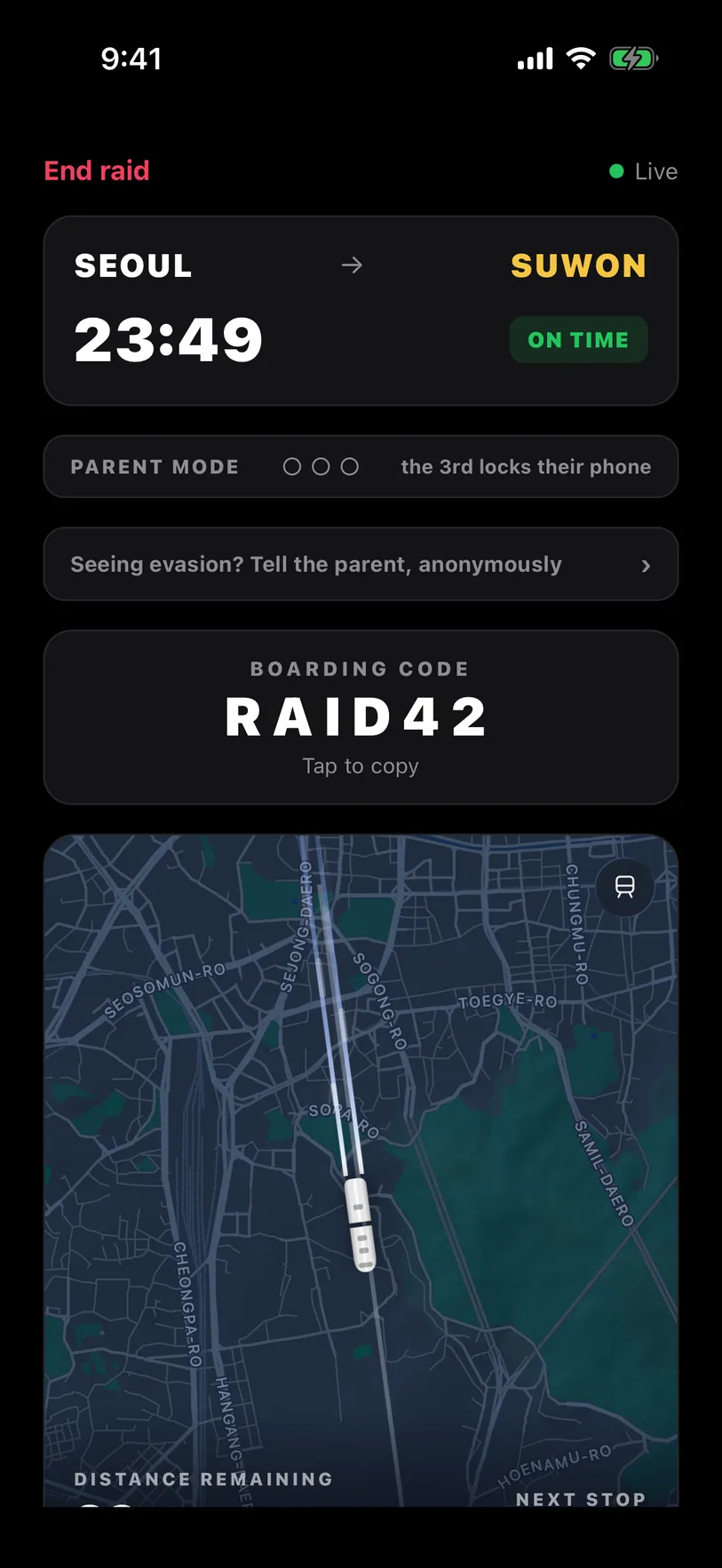
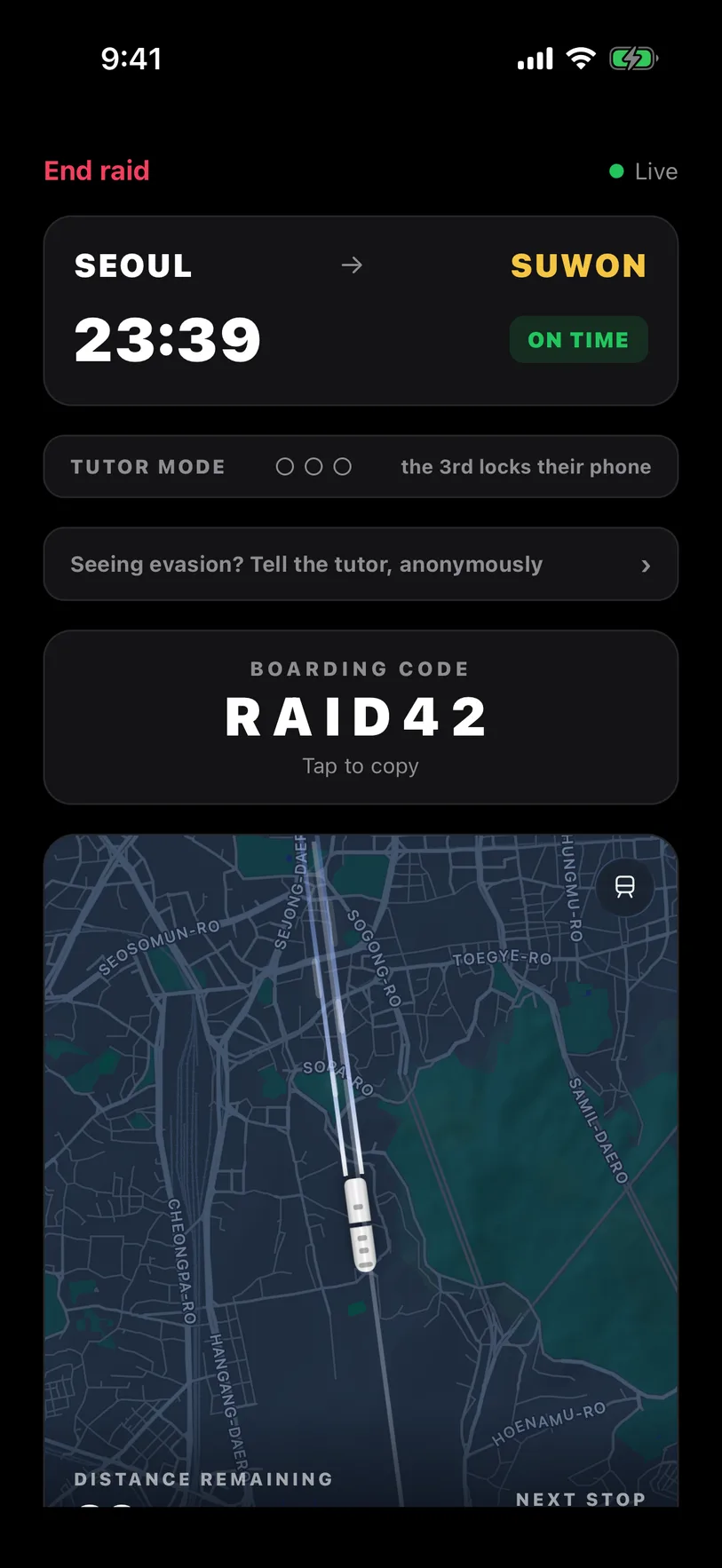
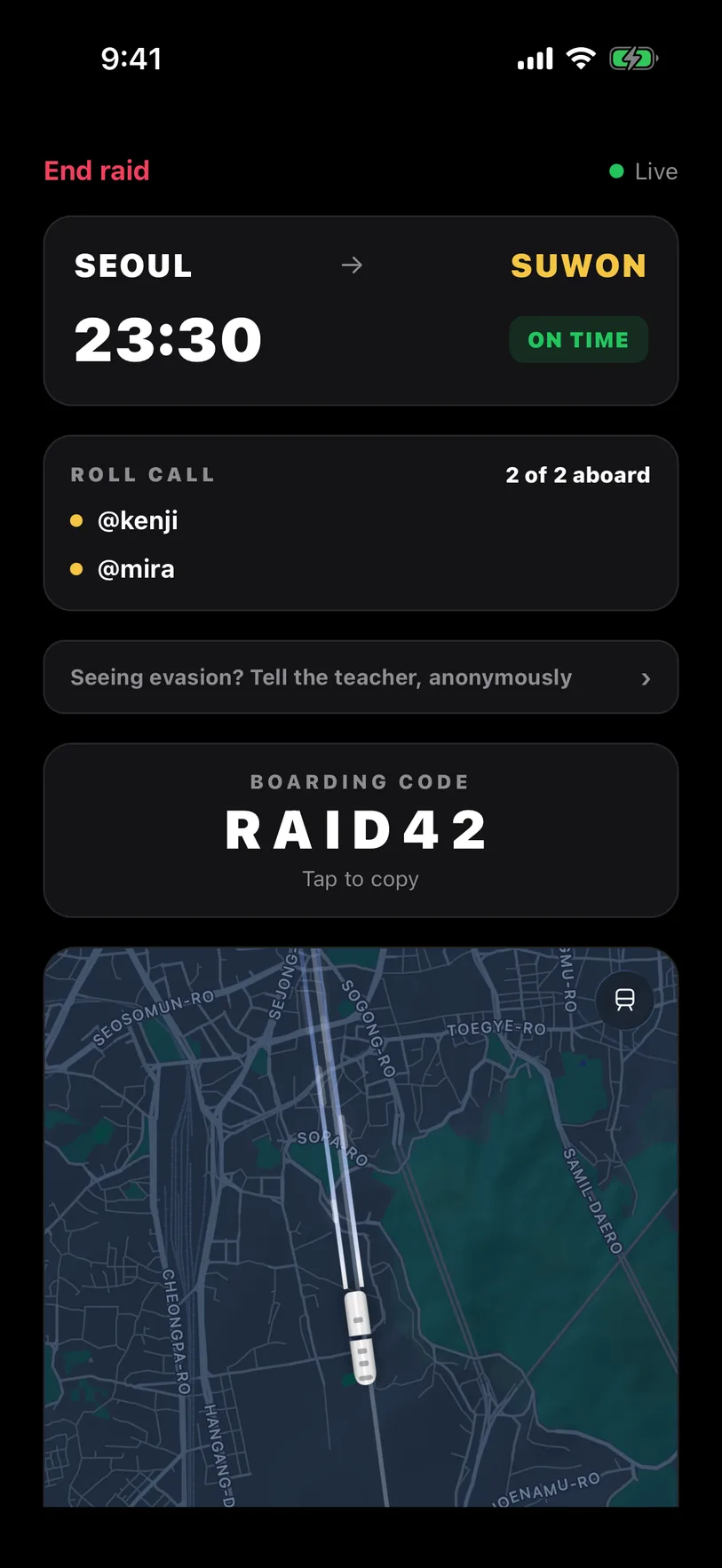
Choose the mode under Carriage on the home screen, before you plan. Most people ride Squad.
Squad · free for 3, 10 with First Class
Everyone seals their own apps. The crew shares three slips, and ending early takes a vote. Scroll down in the room to chat or join the voice line.
Parent · Parent Pass, up to 5
Your phone stays open; your kids’ phones lock completely. A third slip keeps their phone locked until you release it.
Tutor · Tutor Pass, up to 50
Parent mode for students. You run the session, they ride locked, and you see every slip.
School · School Pass, up to 80
Up to a full school day. Anyone who quits shows on your roll call. No lockdown after the bell. See prices
Rules
Open a locked app and you get one minute. The train runs 2 minutes late, then 4, then 8.
After the third, the doors stay shut until you arrive.
A ride ends early only if the whole crew votes yes. Closing Raid counts as a slip.
Questions
No. Apple keeps your list on your phone. Friends only see that your doors are locked.
No. The map is just for show.
No. You allow Screen Time yourself and can turn it off in Settings. Doing that mid-ride costs a slip.
No. Squads of three are free forever. Bigger squads and the supervised modes are paid. Prices.
Stuck? Email us.